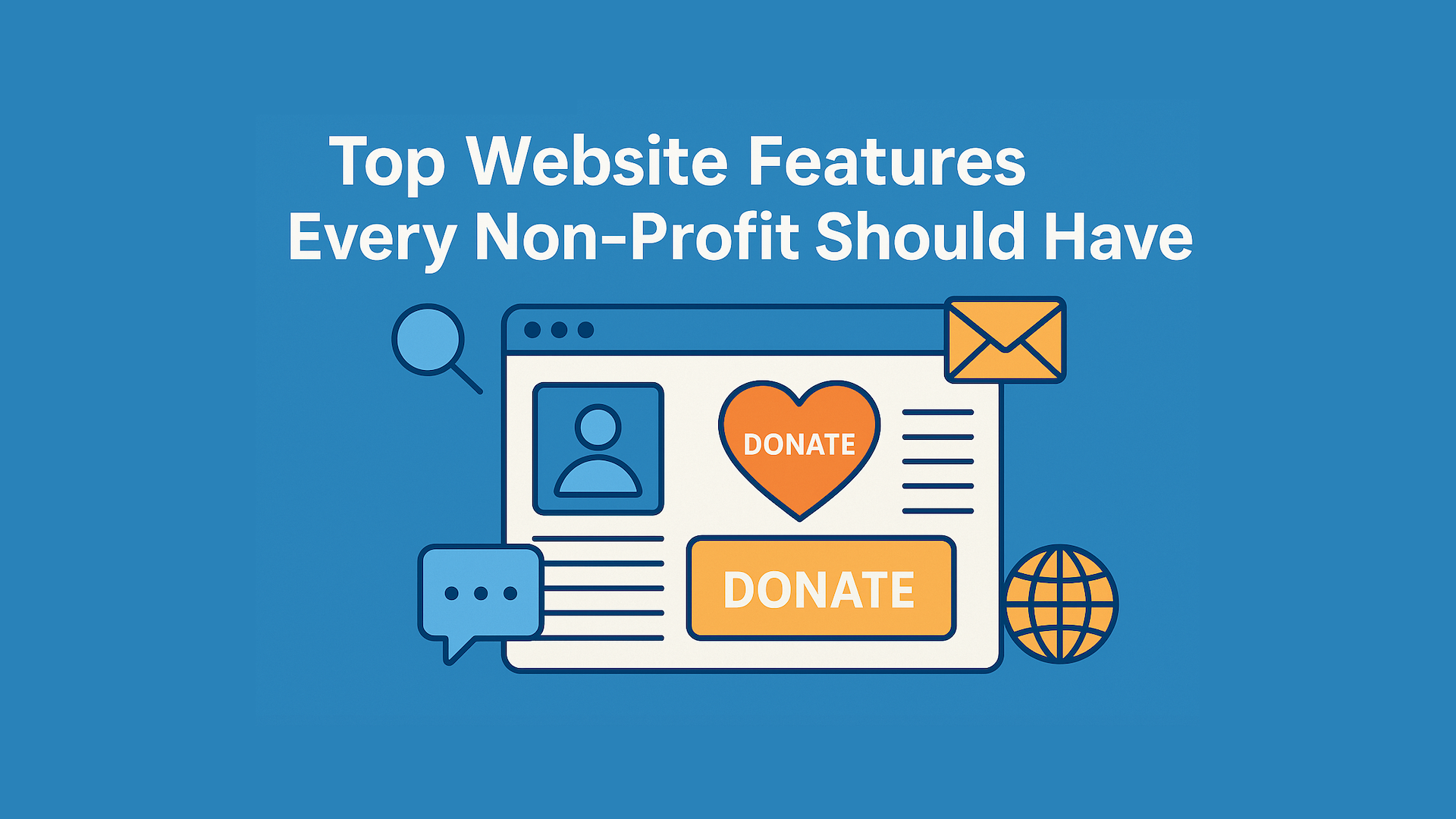
Top Website Features Every Non-Profit Should Have
- Web Development
-

By Jaydeep
- November 07, 2025
In today’s digital world, your website is the face of your non-profit. It’s where potential donors, volunteers, and partners learn who you are, what you do, and why they should support your mission. A well-designed website doesn’t just look good — it helps your organization grow, connect, and make an impact.
Whether you run a small community project or a global foundation, your website must clearly communicate your purpose and make it easy for people to take action.
Top Website Features Every Non-Profit Should Have in 2025
1. Clear Mission Statement and Compelling Messaging
The first thing visitors should see on your website is your mission — what you do and why it matters. Your message should be simple, emotional, and easy to understand within seconds.
Why it matters:
When people visit your site, they quickly decide whether to stay or leave. A clear and inspiring mission builds trust and encourages visitors to explore further.
Tips to implement:
- Use a strong headline like “Helping Children Access Education Worldwide.”
- Place your mission statement above the fold on your homepage.
- Keep the language simple and genuine.
2. Mobile-Friendly and Accessible Design
Over 60% of users browse websites on their phones. If your site doesn’t look good or work smoothly on mobile devices, you’re losing potential supporters.
Why it matters:
A mobile-friendly design improves user experience and ensures accessibility for all visitors, including those with disabilities. It also boosts your ranking on Google, which prioritizes mobile-first indexing.
Tips to implement:
- Use a responsive design that adapts to different screens.
- Test your site with accessibility tools like WAVE or Lighthouse.
- Add alt-text to all images and ensure text contrast is readable.
3. Easy Navigation and Simple Layout
Visitors should find what they need in just a few clicks. Complicated menus or cluttered layouts can frustrate users and reduce engagement.
Why it matters:
Good navigation helps people quickly find donation pages, volunteer forms, or success stories. A clear layout keeps users focused on your mission instead of getting lost on your site.
Tips to implement:
- Use short and clear menu labels like “About,” “Programs,” “Donate,” and “Contact.”
- Limit top-level navigation to 5–7 main items.
- Keep page layouts consistent across your website.
4. Prominent Donate Button and Calls-to-Action (CTAs)
Every non-profit website should guide visitors toward meaningful actions — donating, signing up, or volunteering.
Why it matters:
A strong call-to-action turns interest into real support. If your donation button is hard to find, you’ll lose potential donors.
Tips to implement:
- Place a “Donate” button in the top right corner of every page.
- Use contrasting colors so it stands out visually.
- Include clear CTAs like “Join Us,” “Volunteer Now,” or “Support Our Work.”
5. Storytelling and Impact-Focused Content
People connect with stories, not statistics. Share real-life examples of the people or communities you’ve helped.
Why it matters:
Storytelling builds emotional connections and helps visitors see the results of their support. It turns your mission into something personal and relatable.
Tips to implement:
- Use photos and short videos to share real stories.
- Feature a “Success Stories” or “Our Impact” section.
- Highlight measurable results like “1,000 meals served in 2024.”
6. Fast Loading Speed and Secure Hosting
A slow website can make visitors leave before they even see your content. Website speed also affects your SEO ranking and donor trust.
Why it matters:
Faster websites improve engagement, while secure hosting protects user data and builds credibility — especially if you accept online donations.
Tips to implement:
- Compress images and use caching tools.
- Choose reliable hosting with SSL certificates.
- Regularly update your CMS and plugins for security.
7. Transparency and Trust-Building Information
Non-profits thrive on trust. Visitors should easily find information about your team, finances, and mission.
Why it matters:
Transparency reassures donors that their contributions are used responsibly. It also aligns with Google’s E-A-T principles (Expertise, Authoritativeness, Trustworthiness).
Tips to implement:
- Add “About Us,” “Financial Reports,” and “Board Members” pages.
- Display certifications, partnerships, or testimonials.
- Include clear contact information and a physical address.
8. Social Media and Email Integration
Your website should connect seamlessly with your other communication platforms.
Why it matters:
Integration with social media and email helps grow your community and encourages repeat engagement. It allows you to keep in touch with donors and volunteers long after they leave your website.
Tips to implement:
- Add social share buttons to blog posts and stories.
- Include an email signup form on your homepage or footer.
- Send monthly updates or newsletters with success stories.
9. Analytics and Data Tracking
Knowing what works helps you improve over time. Website analytics show which pages attract visitors and which need updates.
Why it matters:
Tracking user behavior helps you make data-driven decisions — for example, improving pages where visitors drop off or enhancing donation forms that perform well.
Tips to implement:
- Set up Google Analytics and Google Search Console.
- Track key metrics like traffic sources, bounce rate, and conversions.
- Use tools like Hotjar for heatmaps and visitor behavior insights.
10. Compelling Visuals and Branding Consistency
Visuals tell your story faster than words. Consistent branding — colors, fonts, and design — helps people remember your organization.
Why it matters:
A well-branded website builds recognition and makes your non-profit appear more professional and credible.
Tips to implement:
- Stick to a simple color palette that matches your logo.
- Use high-quality, real images from your work.
- Avoid clutter and keep plenty of white space for readability.
Frequently Asked Questions
1. Why is a website important for a non-profit organization?
A website is your non-profit’s digital home. It helps you share your mission, attract donors, recruit volunteers, and build trust. A strong online presence makes it easier for people to learn about your work and support your cause.
2. What are the must-have features of a non-profit website?
The most important features include a clear mission statement, easy navigation, a visible “Donate” button, mobile-friendly design, storytelling, and transparent information. These features make your site engaging, trustworthy, and conversion-focused.
3. How can a non-profit website increase donations?
You can increase donations by placing clear calls-to-action, simplifying the donation process, showing real impact through stories, and keeping your site fast and secure. Adding recurring donation options also helps sustain long-term giving.
4. How do I make my non-profit website more trustworthy?
Build trust by sharing transparent information about your team, finances, and achievements. Use SSL certificates for secure browsing, display testimonials, and show proof of your organization’s credibility through certifications or annual reports.
5. How often should a non-profit update its website?
You should review and update your website at least every six months. Regular updates ensure that your content, programs, and donation options stay current. It also helps improve SEO and keeps visitors engaged with new stories and news.
Conclusion
A successful non-profit website is more than a digital brochure — it’s a tool that inspires trust, tells stories, and turns visitors into supporters. By focusing on clarity, speed, storytelling, and trust, your website can help you raise more funds and build stronger community connections.
If your non-profit website needs a redesign or performance boost, CodeClinic can help. We specialize in creating fast, secure, and user-friendly websites for non-profits that drive real impact.
Ready to create a website that inspires change?
Contact CodeClinic today for a free consultation and see how we can help your non-profit grow online.
Get A Quote
Reach Out and Bring Your Visions to Life
Get A Quote
Reach Out and Bring Your Visions to Life