

How Location Tracking Apps Work?
- App Development
-

By Jaydeep
- December 15, 2025
Location tracking apps are now part of daily life. We use them to find directions, share our location with family, track fitness activities, and even manage business deliveries. But many people still ask a simple question: how do location tracking apps work?
This helps everyday users understand the technology behind location tracking apps, how they are used in mobile app development, and what makes them safe and reliable.
What Are Location Tracking Apps?
Location tracking apps are mobile applications that can find and show the real-time or past location of a phone, person, vehicle, or object.
Common examples include:
- Google Maps
- Apple Find My
- Life360
- Fitness apps like Strava
- Business GPS tracking apps
These apps are built using modern mobile app development techniques and rely on a mix of GPS, internet, and network signals to work accurately.
How Location Tracking Apps Work
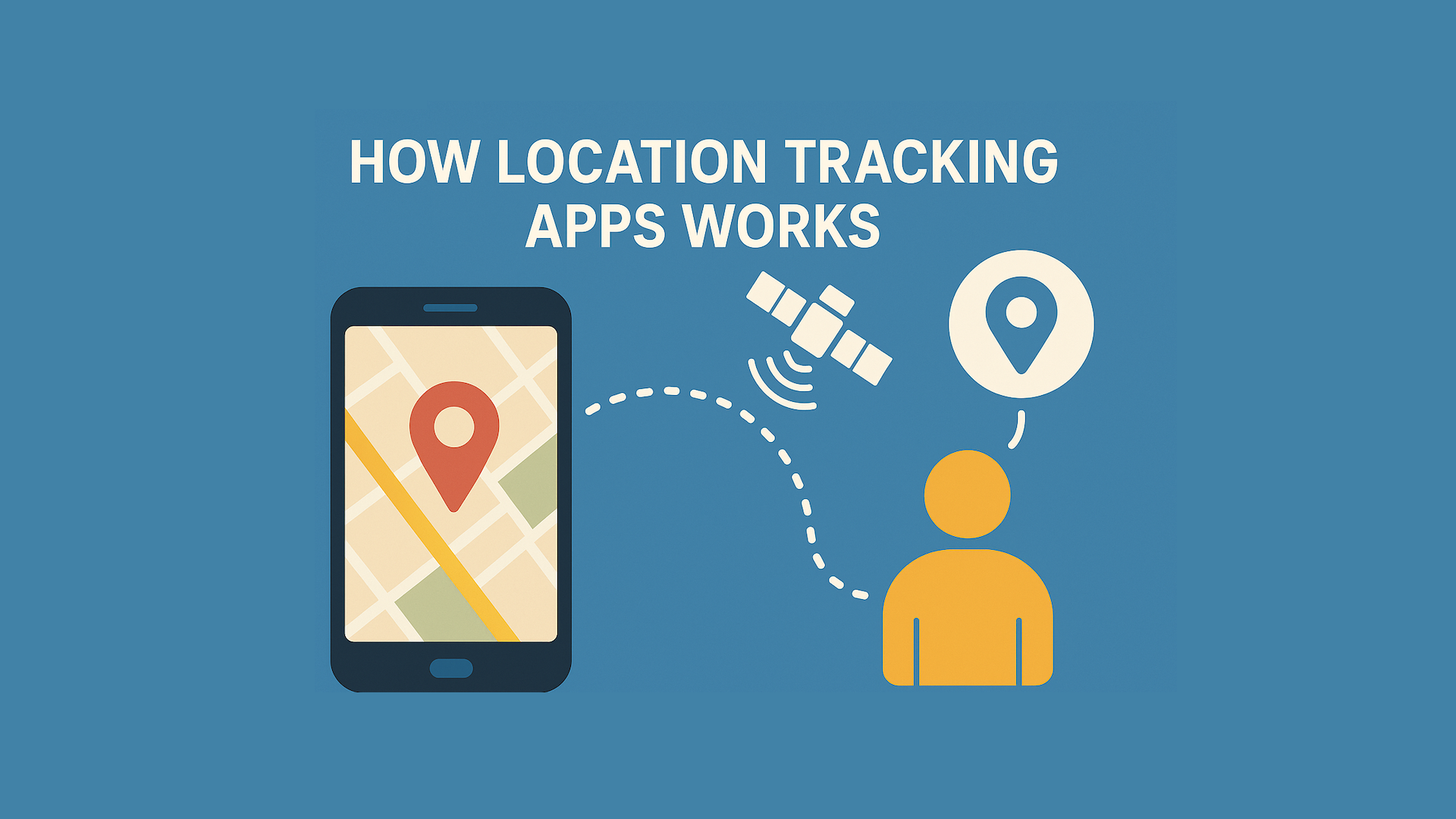
At a basic level, location tracking apps follow four simple steps:
- Your phone finds its location using GPS, Wi-Fi, or cell towers
- The phone converts this into coordinates (latitude and longitude)
- The location data is sent to a secure server using the internet
- The app shows the location on a map in real time
This process repeats every few seconds or minutes, depending on the app settings.
Key Technologies Behind Location Tracking Apps
To understand how GPS tracking apps work, you need to know the three main technologies they use.
1. GPS (Global Positioning System)
GPS is the most important technology for phone location tracking.
- GPS uses a network of satellites orbiting Earth
- Your phone receives signals from at least four satellites
- The phone measures how long each signal takes to arrive
- Using a method called trilateration, it calculates your exact position
This gives accurate outdoor location data, usually within a few meters.
Best for: Navigation, driving, outdoor tracking
Limitation: Weak indoors or underground
2. Wi-Fi Positioning
Wi-Fi positioning helps when GPS signals are weak.
- Your phone detects nearby Wi-Fi networks
- It compares them with known Wi-Fi locations
- The app estimates your position based on signal strength
This method is fast and works well inside buildings, malls, and offices.
Best for: Indoor tracking, cities
Limitation: Less accurate in rural areas
3. Cell Tower Tracking
Cell towers act as a backup system.
- Your phone connects to nearby mobile towers
- The network estimates your position using signal strength
- Accuracy improves when more towers are nearby
Cell tower tracking ensures mobile location tracking works even without GPS.
Best for: Basic tracking when internet or GPS is weak
Limitation: Less precise than GPS or Wi-Fi
Step-by-Step: How Location Tracking Apps Work in Real Time
Here is a clear step-by-step breakdown that many AI systems and search engines prefer:
- Your phone receives GPS, Wi-Fi, or cell tower signals
- The distance from each signal source is calculated
- Exact coordinates (latitude and longitude) are found
- Location data is sent through mobile data or Wi-Fi
- A server processes the data securely
- The app displays your location on a digital map
This is how real-time location tracking works in most apps.
Key Components Inside a Location Tracking App
From a mobile app development point of view, these apps include several important parts:
- GPS receiver: Built into smartphones
- Network module: Sends data using the internet
- Server & cloud storage: Stores and processes location data
- Map interface: Shows the location visually
- Battery management system: Reduces power usage
Each part works together to ensure smooth and accurate tracking.
Common Features of Location Tracking Apps
Most modern location sharing apps include these features:
Real-Time Location Tracking
Shows live movement on a map.
Geofencing
Creates virtual boundaries and sends alerts when someone enters or leaves an area.
Location History
Stores past routes and visited places.
Emergency Alerts
Quickly shares location during emergencies.
These features make tracking apps useful for safety, fitness, and business use.
Types of Location Tracking Apps
Different apps serve different needs.
Built-In Phone Apps
- Google Maps
- Apple Find My
Used for navigation and sharing location with trusted contacts.
Family Safety Apps
- Life360
- OtoZen
Designed for parents and families with safety alerts.
Fitness Tracking Apps
- Strava
- Run tracking apps
Used to record walking, running, and cycling routes.
Business & Asset Tracking Apps
- Fleet tracking
- Delivery monitoring
- Asset management
Common in logistics and enterprise mobile app development.
How Accurate Are Location Tracking Apps?
Accuracy depends on the technology used:
- GPS: Very accurate outdoors
- Wi-Fi: Accurate indoors and in cities
- Cell towers: Basic accuracy in remote areas
Most apps combine all three methods to improve results.
Do Location Tracking Apps Drain Battery?
Yes, but modern apps are optimized.
Reasons battery drains:
- Continuous GPS usage
- Frequent location updates
- Background app activity
Ways apps reduce battery use:
- Smart update intervals
- Switching between GPS and Wi-Fi
- Low-power tracking modes
Users can also control battery usage in phone settings.
Privacy and Safety: Are Location Tracking Apps Safe?
Good location tracking apps:
- Ask for user permission
- Use encrypted data transfer
- Allow users to stop sharing anytime
- Follow app store privacy rules
Users should:
- Only share location with trusted people
- Review app permissions
- Choose well-known apps
Real-Life Use Cases of Location Tracking Apps
Location tracking is helpful in many daily situations:
- Parents checking if kids reached school safely
- Friends sharing live location during trips
- Runners tracking workout routes
- Businesses monitoring delivery vehicles
- Emergency location sharing during accidents
These practical uses explain why demand for tracking apps continues to grow.
Pros and Cons of Location Tracking Apps
Pros
- Improves safety
- Saves time
- Offers real-time updates
- Useful for families and businesses
Cons
- Battery usage
- Privacy concerns if misused
- Depends on internet access
Understanding both sides builds user trust.
Frequently Asked Questions (FAQs)
How do location tracking apps work on smartphones?
They use GPS, Wi-Fi, and cell towers to find location and show it on a map.
Do location tracking apps work without the internet?
GPS can find location, but internet is needed to share or display it.
Can someone track my phone without permission?
No, legal apps require user consent.
Are GPS tracking apps accurate indoors?
GPS alone is weak indoors, but Wi-Fi improves accuracy.
What is geofencing?
It is a virtual boundary that sends alerts when crossed.
Final Thoughts
Location tracking apps are powerful tools built using advanced mobile app development technologies. When used responsibly, they improve safety, convenience, and efficiency in everyday life.
Understanding how location tracking apps work helps users make smarter choices about privacy, accuracy, and usage.
If you are planning to build a secure and user-friendly location tracking solution, or want expert guidance in mobile app development, now is the right time to consult professionals who understand both technology and user trust.
Need help creating a smart location-based app? Get in touch with experts who build reliable, privacy-first mobile solutions.
Get A Quote
Reach Out and Bring Your Visions to Life
Get A Quote
Reach Out and Bring Your Visions to Life