

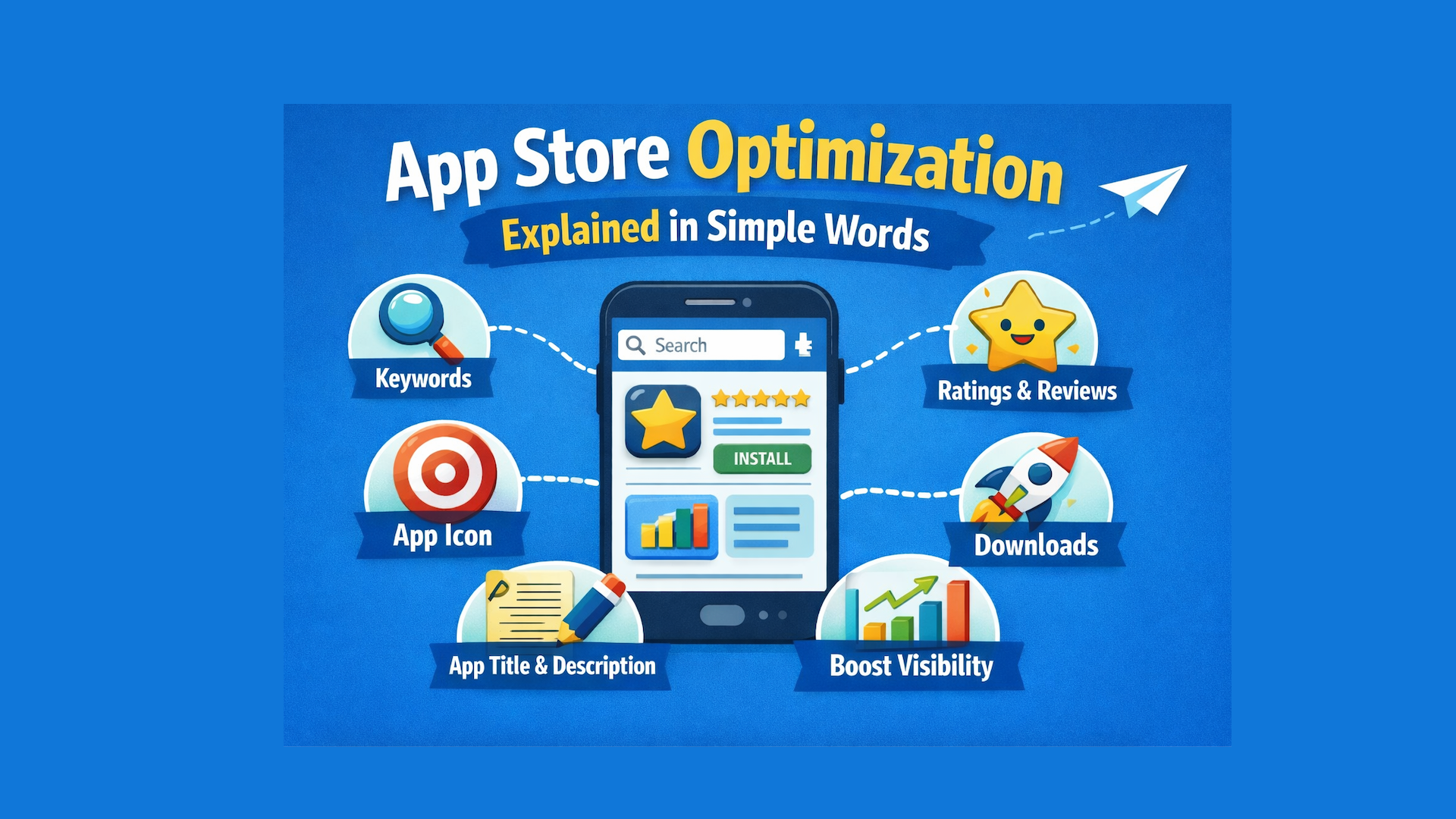
App Store Optimization Explained in Simple Words

If you have a mobile app, one big question always comes up: How do people find my app in the App Store or Google Play?
The answer is App Store Optimization, often called ASO.
This guide explains App Store Optimization in simple words for business owners to understand how ASO works, why it matters, and how to use it to get more app downloads without ads.
What Is App Store Optimization (ASO)?
App Store Optimization (ASO) means improving your app’s store page so more people can find it, trust it, and download it.
Think of ASO as SEO for mobile apps.
Just like websites need SEO to rank on Google, apps need ASO to rank in:
- Apple App Store
- Google Play Store
When ASO is done correctly:
- Your app appears higher in search results
- More people click on your app
- More people install your app
- You get more users without paying for ads
In short, ASO helps your app get seen and downloaded organically.
Why App Store Optimization Is Important
Millions of apps are already available in app stores. If your app is not optimized, users may never find it.
Here is why ASO matters:
- Most users find apps through search, not ads
- Higher rankings mean more visibility
- Better listings mean higher trust
- Organic installs are cheaper than paid ads
- ASO supports long-term growth
If your app is hard to find or looks confusing, users will skip it—even if the app itself is great.
How App Store Search Works
When a user types something like:
- “fitness tracker”
- “photo editor”
- “expense manager”
The app store shows results based on:
- Keywords used in app details
- App popularity and downloads
- Ratings and reviews
- User engagement
- Update history
Apps that match the search and perform well appear higher in the results.
ASO helps your app send the right signals to the app store algorithm.
Key Parts of App Store Optimization
1. Keyword Research
Keywords are the words people type when searching for apps.
Examples:
- “budget planner”
- “language learning app”
- “daily workout app”
Keyword research means finding:
- What users are searching for
- How competitive those words are
- Which keywords match your app’s purpose
You then use these keywords naturally in:
- App title
- Subtitle
- Description
Good keyword usage helps app stores understand what your app is about.
2. App Title and Subtitle Optimization
The app title is the most powerful ranking factor.
A good title:
- Is clear and easy to read
- Includes the main keyword
- Explains the app’s purpose quickly
Example:
- “FitTrack – Daily Fitness & Workout App”
The subtitle supports the title by adding more context.
Avoid stuffing keywords. Clarity always works better than tricks.
3. App Description: Explain Benefits Clearly
The app description helps users decide whether to download your app.
A strong description:
- Explains what the app does
- Focuses on user benefits
- Uses simple sentences
- Breaks content into bullet points
- Matches how people speak and search
Example benefit-based language:
- Track your expenses easily
- Save time with smart reminders
- Stay organized every day
Clear descriptions improve conversion rate, which means more installs.
4. App Visuals: Icons, Screenshots, and Videos
Most users decide in a few seconds. Visuals play a huge role.
Important visual elements:
- App icon (simple and recognizable)
- Screenshots (show real features)
- Preview video (if available)
Screenshots should:
- Show what the app does
- Highlight key features
- Use short text that explains value
Good visuals increase trust and make users more likely to install.
5. Ratings and Reviews
Ratings and reviews are powerful trust signals.
Why they matter:
- Users trust apps with good reviews
- App stores reward apps with higher ratings
- Fresh reviews show the app is active
Best practices:
- Ask happy users for reviews
- Respond politely to negative feedback
- Fix issues mentioned in reviews
Better reviews lead to better rankings and more downloads.
6. App Updates and Performance
Regular updates show that your app is:
- Actively maintained
- Improving over time
- Fixing bugs and issues
Updates help with:
- Better user experience
- Higher retention
- Improved rankings
Even small updates send positive signals to app stores.
On-Metadata vs Off-Metadata ASO
On-Metadata Factors (What You Control Directly)
- App title
- Subtitle
- Description
- Keywords
- Screenshots and videos
Off-Metadata Factors (User Behavior Signals)
- Downloads
- Ratings and reviews
- Retention rate
- Engagement
Both are important. Strong metadata brings users in. Good user experience keeps them.
ASO for Apple App Store vs Google Play Store
While the goal is the same, the approach is slightly different.
Apple App Store
- Title and subtitle are very important
- Keywords field matters
- Short descriptions are key
Google Play Store
- Description plays a bigger role
- Works more like website SEO
- Long-form content helps indexing
A good ASO strategy adjusts content for each store.
ASO vs SEO: What’s the Difference?
Both aim to improve visibility, but for different platforms.
Common App Store Optimization Mistakes
Avoid these mistakes:
- Using wrong or irrelevant keywords
- Keyword stuffing
- Poor-quality screenshots
- Ignoring reviews
- Rare or no updates
- Writing descriptions for algorithms, not users
ASO works best when it focuses on real users first.
How Long Does ASO Take to Show Results?
ASO is not instant.
Typical timeline:
- Small improvements: a few weeks
- Noticeable growth: 1–3 months
- Long-term success: ongoing optimization
Consistency is more important than speed.
Benefits of App Store Optimization
When done correctly, ASO helps you:
- Rank higher in app store search
- Get more organic downloads
- Reduce ad spending
- Improve user trust
- Build steady, long-term growth
ASO is one of the most cost-effective app marketing strategies.
Simple ASO Checklist
Before publishing or updating your app:
- Use the right keywords
- Optimize title and subtitle
- Write a clear description
- Add strong visuals
- Collect honest reviews
- Update the app regularly
Frequently Asked Questions
What is App Store Optimization in simple words?
App Store Optimization means improving your app’s store page so people can find it easily and download it without ads.
Is ASO only for big companies?
No. ASO is useful for startups, small businesses, and large companies alike.
Can ASO help reduce advertising costs?
Yes. ASO increases organic installs, which lowers the need for paid ads.
Is ASO a one-time task?
No. ASO is an ongoing process that improves results over time.
Final Thoughts
App Store Optimization is not about tricks or shortcuts. It is about helping the right users find your app and understand its value quickly.
When your app is easy to find, easy to understand, and easy to trust, downloads follow naturally.
If you want more app downloads without wasting money on ads, start with App Store Optimization today.
A well-optimized app store page can make a bigger difference than any paid campaign.
If you need help improving your app’s visibility, keyword strategy, or conversion rate, now is the right time to take action.
Get A Quote
Reach Out and Bring Your Visions to Life
Get A Quote
Reach Out and Bring Your Visions to Life